3.6 KiB
3.6 KiB
Key Concept
Node
Nodes are the key components of a workflow. By connecting nodes with different functionalities, a series of operations within the workflow are executed. Nodes are categorized by type:
- Basic Nodes:Start, End, Answer, LLM, Knowledge Retrieval, Applications (coming soon)
- Question Understand:Quesition Classifier,Question Rewriting (coming soon), Sub-question Splitting (coming soon)
- Logic Processing:IF/ELSE, Merge (coming soon), Loop (coming soon)
- Transformation:Code, Template, Variable Assigner, Function Extraction (coming soon)
- Others:HTTP Request
- Tools:Built-in Tools, Custom Tools
Variables
Variables are crucial for linking the input and output of nodes within a workflow, facilitating the implementation of complex processing logic throughout the process.
- Workflows need to define input variables for initiating execution or conversation.
- Nodes require input variables for initiation; for instance, the input variable for a question classifier typically consists of the user's question.
- Variables referenced within a node can only be those from preceding process nodes to ensure coherence and avoid duplication.
- To prevent variable name duplication, node names must be unique.
- The output variables of a node are fixed by the system and are not subject to modification.
Differences between Chatflow and Workflow
Application Scenario Differences
- Chatflow: Targets conversational scenarios and represents an advanced orchestration mode for Chatbot application types.
- Workflow: Geared towards automation and batch processing scenarios.
Differences in Nodes
| Node | Chatflow | Workflow |
|---|---|---|
| Start | Utilizes system-built variables for user input and file uploads | Utilizes system-built variables for file uploads |
| End | Not support End node |
Uses an End node to output structured text at the conclusion of execution, which is not designed for mid-process output. |
| Answer | The Answer node is used for streaming output or fixed text replies and can be utilized mid-process. | Not support Answer node |
| LLM | Memory is automatically enabled to store and pass on the history of multi-turn dialogues. | Not support Memory configuration |
| Question Classifier | Memory is automatically enabled to store and pass on the history of multi-turn dialogues. | Not Support Memory configuration |
Application Entry Division
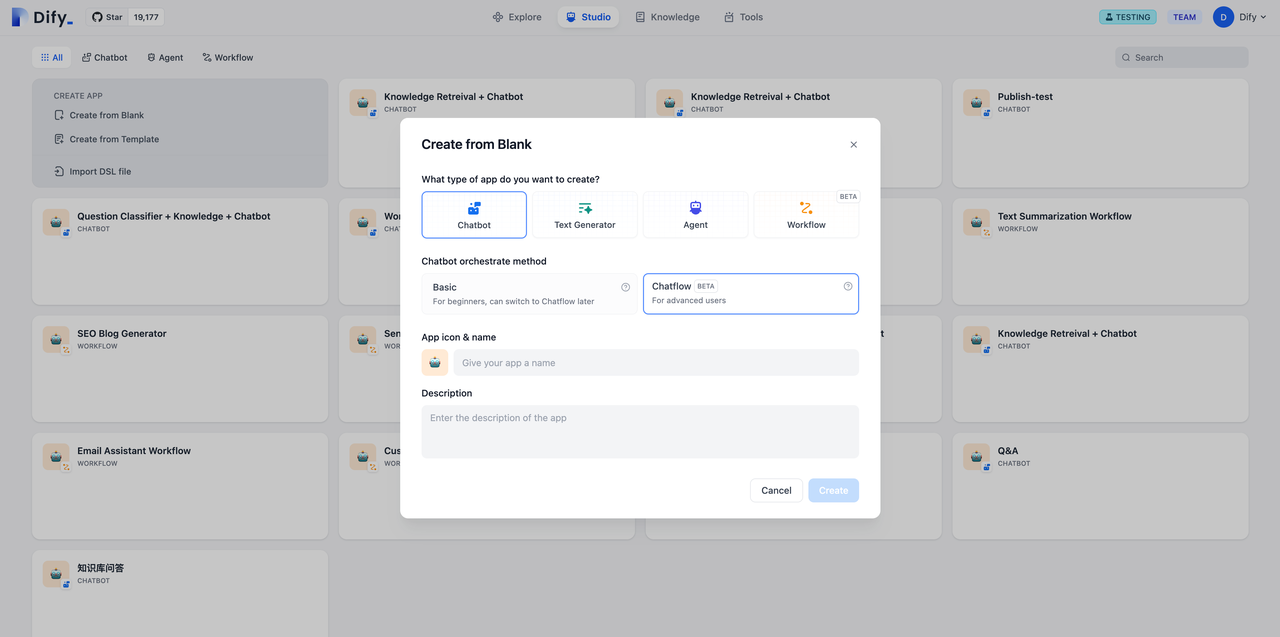
- Chatflow Entry:
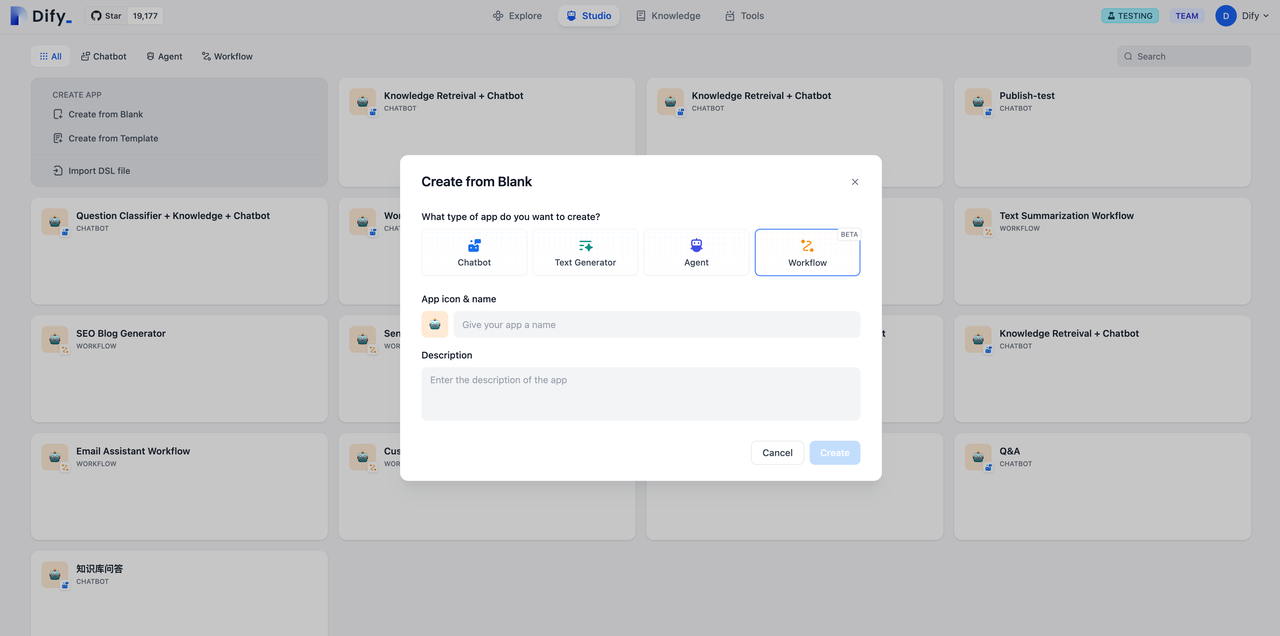
- Workflow Entry: